1. Project Set up
Welcome to the tutorial!
This tutorial will take you though setting up a new Wagtail site with a blog from scratch, and then translate it into another language using Wagtail Localize. This tutorial doesn't assume any past experience with Wagtail or Django.
In this section, you will set up a very basic Wagtail instance.
Create a project
Open a terminal and run the following commands to create a new site called tutorial:
# Create a new virtual environment in a 'tutorial-venv' folder
# This isolates installed dependencies from other projects
python3 -m venv tutorial-venv

# Activate the virtual environment
# Note: If you come back to this tutorial later, you will need to
# run this again to reactivate the environment
source ./tutorial-venv/bin/activate

# Install Wagtail and Wagtail Localize
pip install wagtail wagtail-localize

# Start a new project
wagtail start tutorial
cd ./tutorial
Before you start, make sure you have Python 3.7 or greater installed, you can find this in the Microsoft Store.
Create a project
Open a new PowerShell window and run the following commands:
# Create a new virtual environment in a 'tutorial-venv' folder
# This isolates installed dependencies from other projects
python -m venv tutorial-venv

# Activate the virtual environment
# Note: If you come back to this tutorial later, you will need to
# run this again to reactivate the environment
.\tutorial-venv\Script\Activate.ps1

# Install Wagtail and Wagtail Localize
pip install wagtail wagtail-localize

# Start a new project
wagtail start tutorial
cd .\tutorial
Create a database
Next, migrate the database for the first time:
python manage.py migrate
That should create a file called db.sqlite3 which contains all of the content.
Create a user
Now create a user called admin:
python manage.py createsuperuser --email admin@example.com --username admin
Start the development server
Finally, start a local development server:
python manage.py runserver
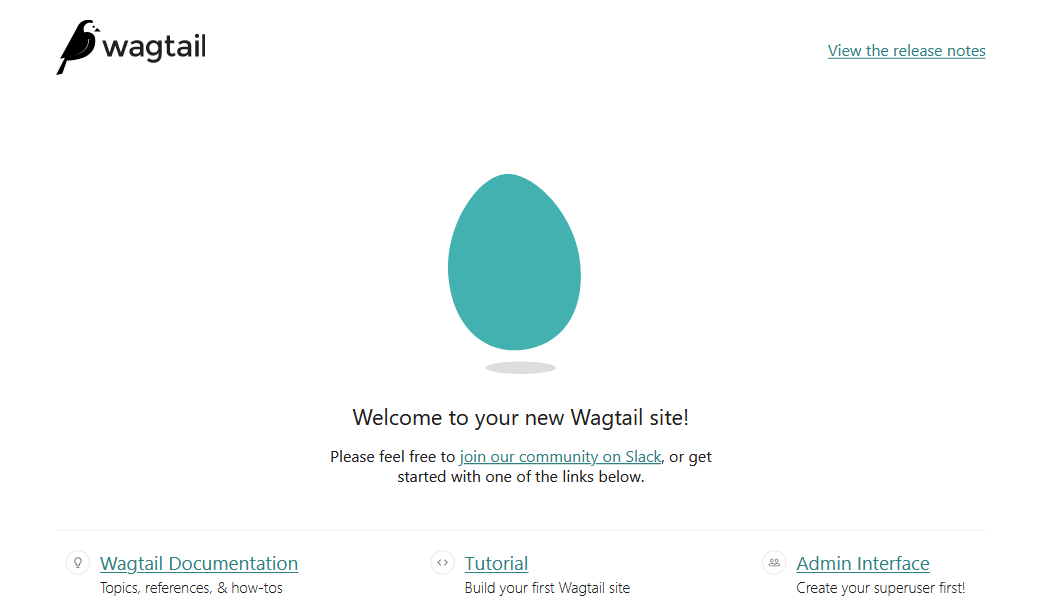
Open up a browser and visit http://localhost:8000. If all those steps completed correctly, you should see the Wagtail welcome screen:
Log in to the admin
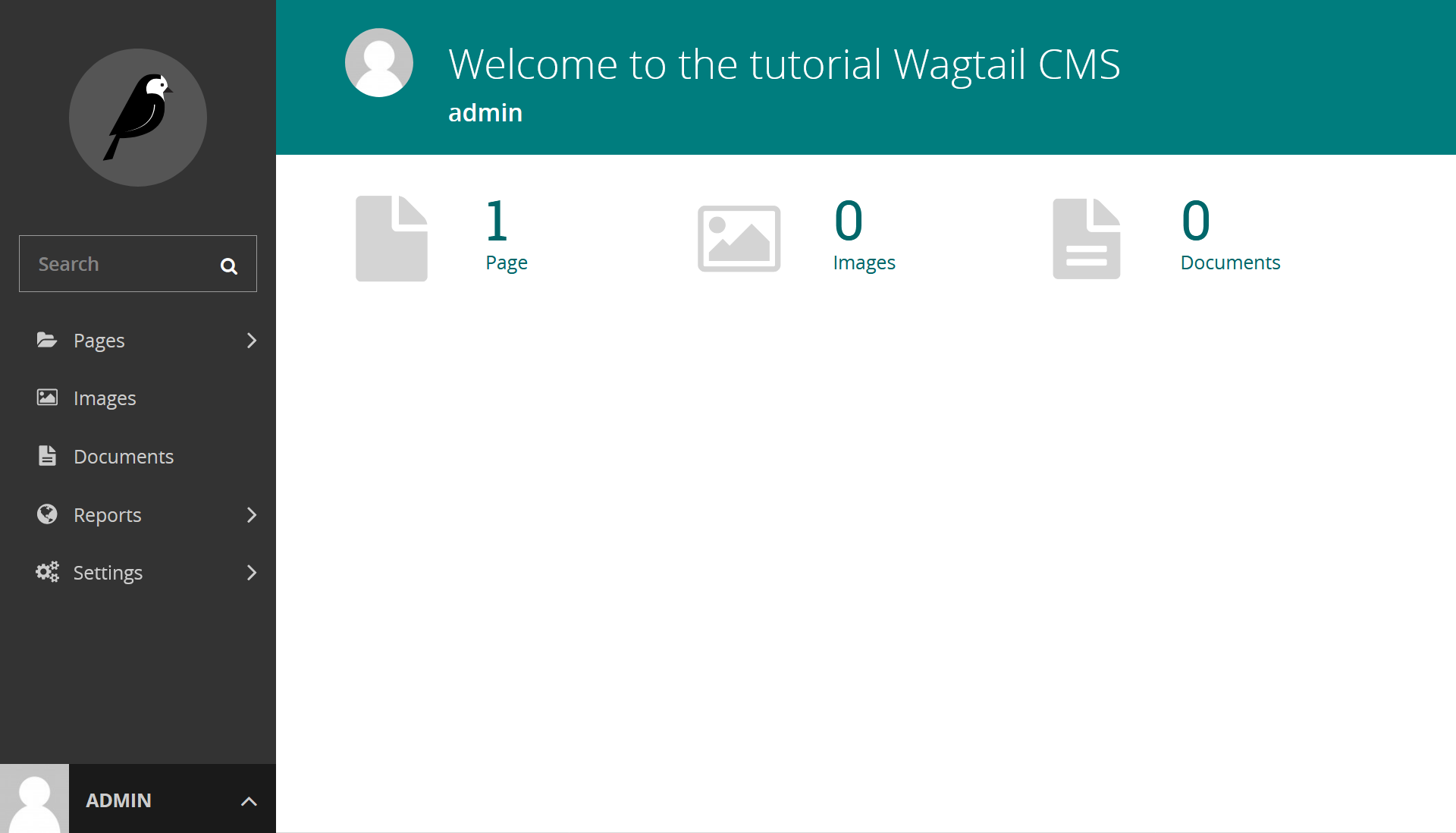
You can get to the admin interface by clicking the "Admin interface" link at the botton of the welcome screen. Log in with the user you created earlier.